In order to access the Sudozi vendor portal, you must be invited by an existing Sudozi customer. Once you are invited, you will receive a welcome email with a link to access the platform. Only the email from the initial vendor portal invite can access the platform; once this user has logged in, they can then invite additional users who can collaborate on any forms or questionnaires received in the Sudozi Vendor Portal.
Please reach out to support@sudozi.com if you are having trouble accessing the vendor portal.
Step 1: Log in to the Sudozi Vendor Portal
- First, navigate to https://beans.sudozi.com/v/login and input your email.
- You will then receive an email with a magic link to access the Sudozi platform.
- Click this link.
Step 2: Invite other users to the Vendor Portal
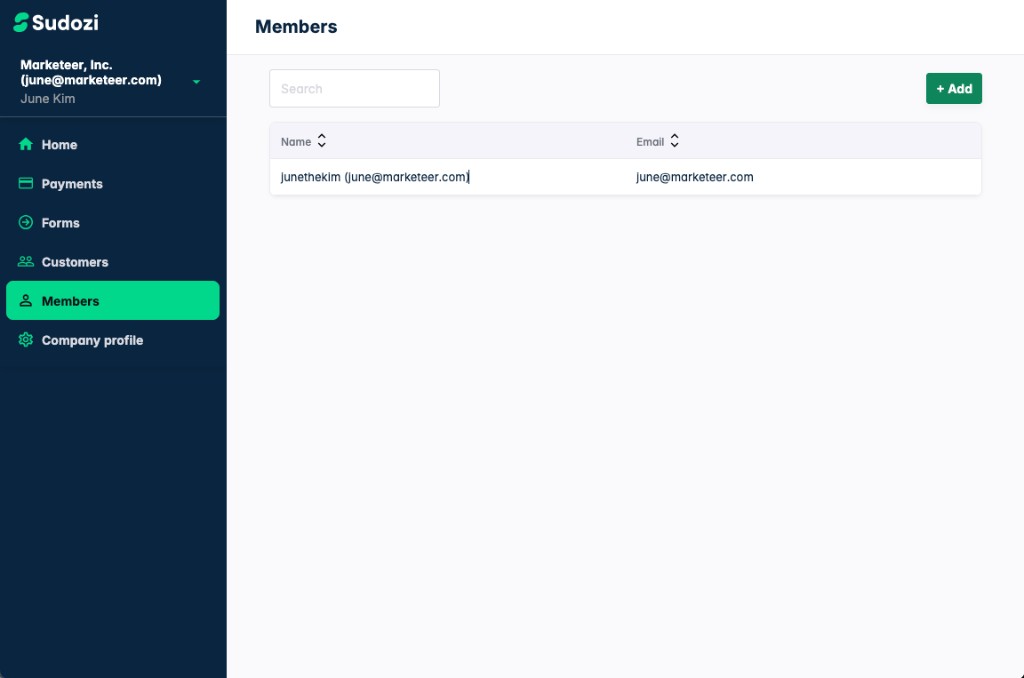
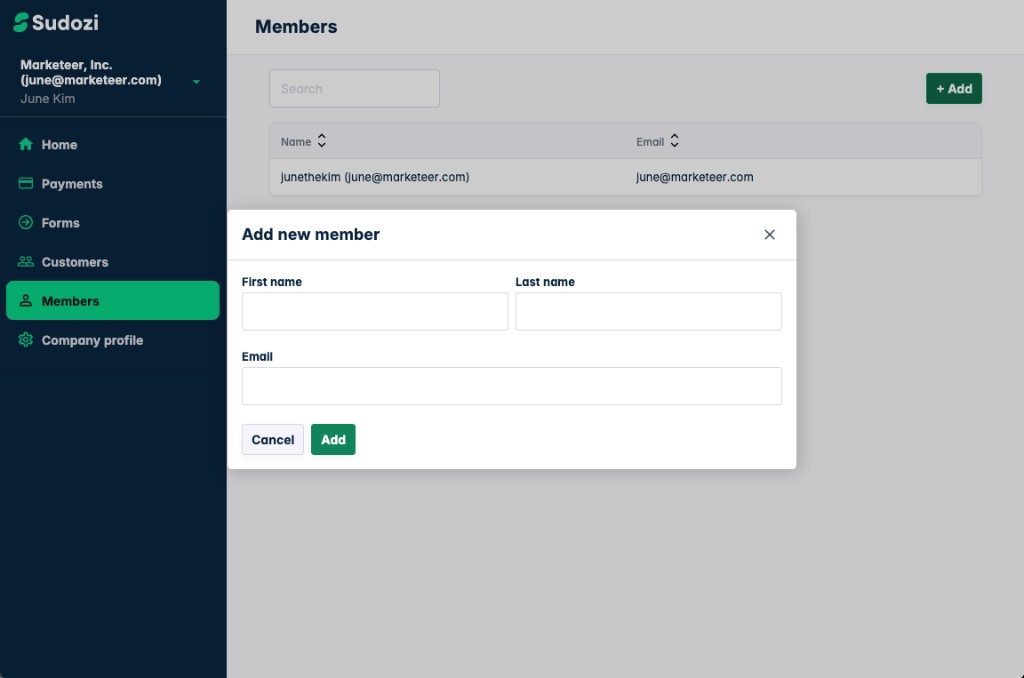
Once logged in, you can add additional members by navigating to the Members tab and clicking "Add."