
In order to access the Sudozi vendor portal, you must be invited by an existing Sudozi customer. Once you are invited, you will receive a welcome email. You can log in to the platform with the email address provided by the Sudozi customer.
The Sudozi app is passwordless. To log in, please follow the instructions below:
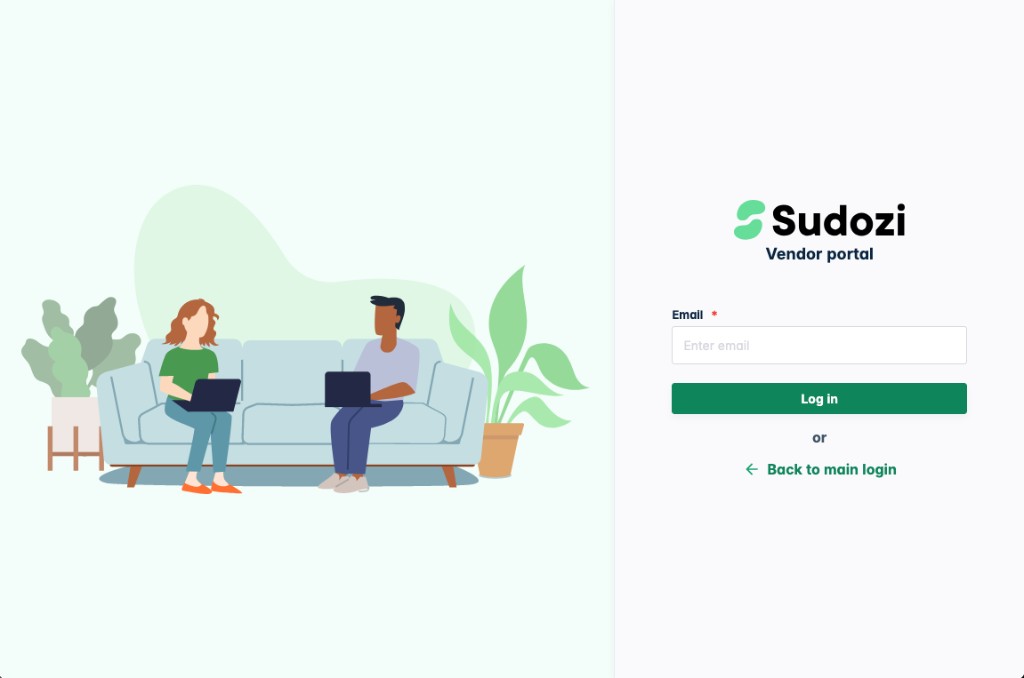
- First, navigate to https://beans.sudozi.com/v/login and input your email.
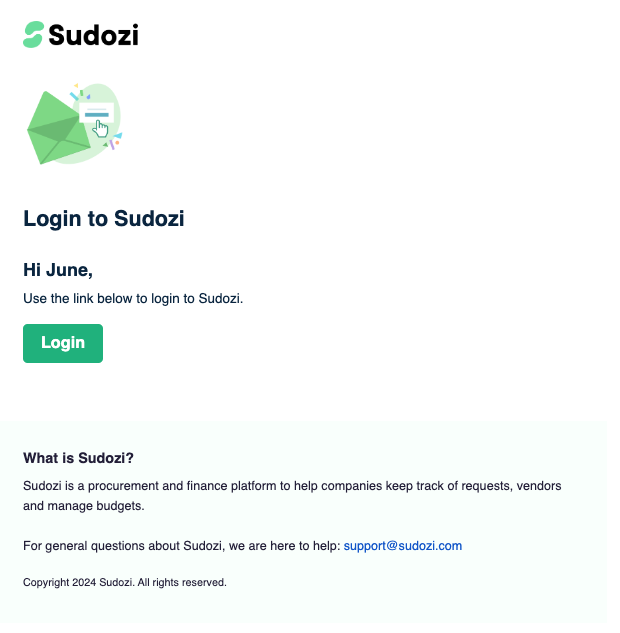
- You will then receive an email with a magic link to access the Sudozi platform.
- Click this link.
Please reach out to support@sudozi.com if you are having trouble accessing the vendor portal.